Need to get somewhere in Valanchery but would rather not drive yourself? You may have your own car ready for a family visit, a personal appointment, shopping or a journey that involves more than one stop. In these situations, booking a driver for your own vehicle can be an alternative to arranging a taxi.
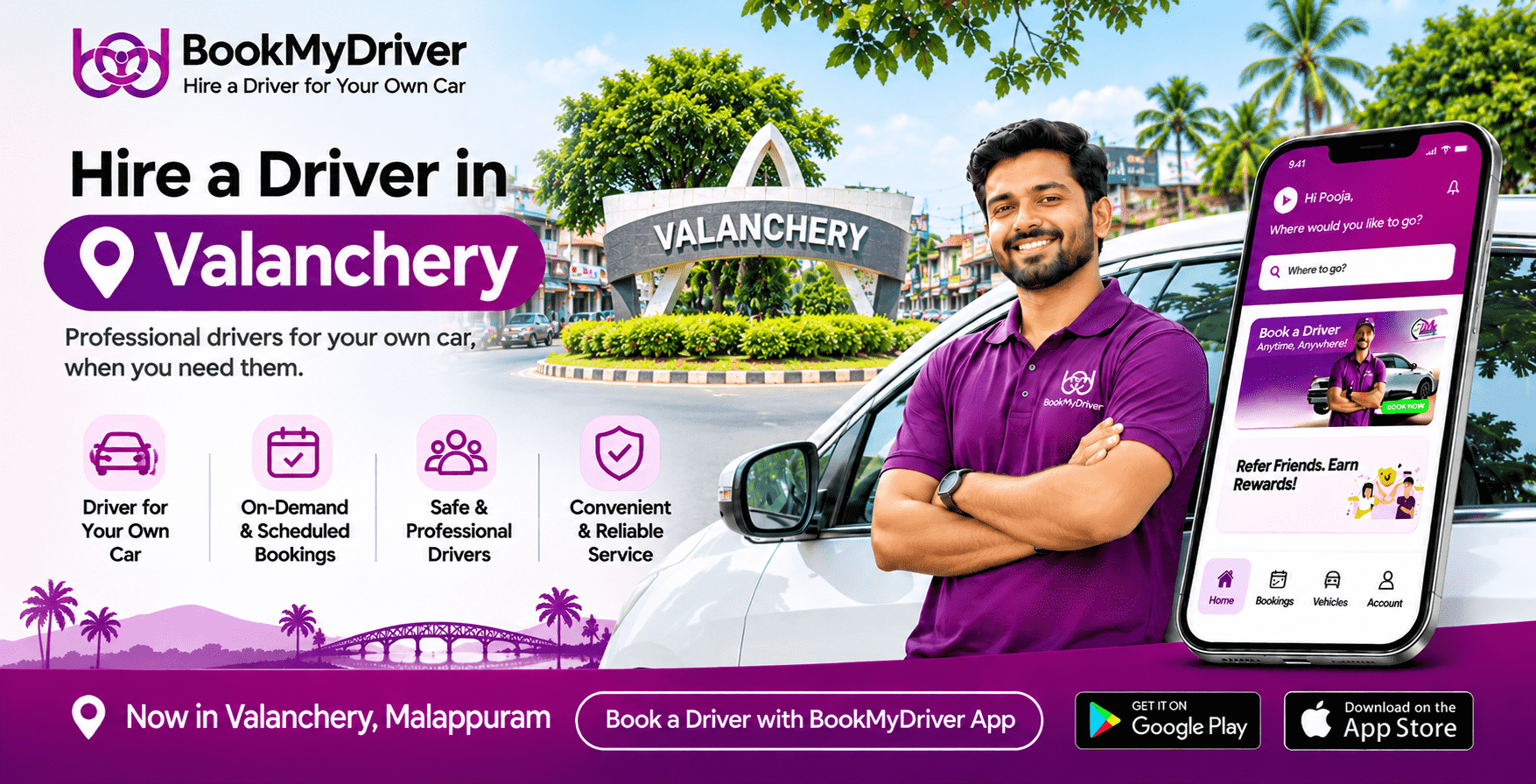
BookMyDriver is designed for customers who want to hire a driver to drive their own car. Through the BookMyDriver mobile app, you can enter your trip details, review the booking options shown for your location and submit a request when service is available.
If your pickup point is in Valanchery, check the app for current coverage and driver availability before making your travel plans. This guide explains the service and how to request a driver.
A Driver for Your Own Car in Valanchery
With BookMyDriver, you arrange the driver while continuing to use your own vehicle. You do not book a separate taxi car. Your own car is used for the journey, and the hired driver takes the wheel.
This arrangement can suit people who prefer their familiar vehicle, need the space available in their car or have personal items to carry. It can also be helpful when you want to travel with family members but do not want to be the person driving.
The service is subject to the pickup location, requested time and driver availability displayed through the app.
When Could You Use a Driver in Valanchery?
People need driving assistance for different reasons. Here are a few situations where you may consider requesting a driver for your own car:
- Personal appointments: If you have an appointment or an important errand, you can check whether a driver can take your car.
- Family visits: Travel to meet relatives or attend a family gathering while someone else handles the driving.
- Shopping trips: If you have several places to visit or items to carry, using your own car may be more convenient for your plans.
- Social occasions: Consider a driver when attending a function or event and you would prefer not to drive yourself.
- Busy schedules: If your day is full or you feel tired, check whether a driver is available rather than driving when you are not fit to do so.
- Pre-planned travel: If you know your travel time in advance, you can explore the scheduled booking option.
These examples describe possible uses of the service. They do not guarantee that a driver will be available for every trip or pickup point.
BookMyDriver Booking Options
BookMyDriver provides on-demand and scheduled driver booking options through its mobile app. The option that suits you depends on when you need the driver and what is available for your location.
Request a Driver On Demand
When you need driving assistance at short notice, open the app and check the on-demand option. Enter your pickup details and review whether the app shows an available driver. On-demand requests depend on local driver supply, time and demand, so an immediate booking cannot be guaranteed.
Schedule a Driver for Later
If your journey is planned, use the scheduled booking option where it is offered. Choose the date and preferred time, enter the required trip information and follow the steps in the app. Check the booking status and confirmation before relying on the arrangement.
Why Use Your Own Car With a Booked Driver?
Booking a driver rather than a separate vehicle can be useful when you specifically want to travel in your own car. Some practical considerations include:
- Your familiar vehicle: You already know your car's seating, controls and storage space.
- Your travel setup: Keep your usual child seats, personal items and other belongings in your own vehicle.
- Family convenience: Travel together in the car you normally use.
- Choice of booking time: Check on-demand or scheduled requests according to your plans.
- App-based booking: Submit your request and review the information shown in the BookMyDriver app.
Whether this is the right choice depends on your journey, the applicable charges and driver availability.
Using the BookMyDriver Mobile App
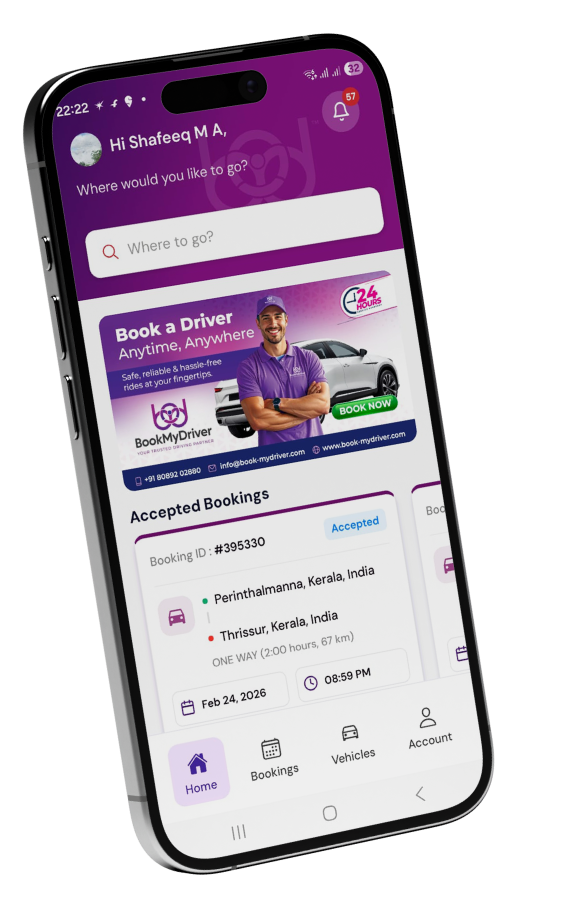
The BookMyDriver app is the starting point for checking driver booking options. You can enter your pickup and trip details and review the information provided during the booking process. App features and options may vary by version and booking status.
Before submitting a request, make sure the pickup point and preferred time are correct. Review the fare and applicable charges shown in the app, and use the booking status in the app to check whether your request has been confirmed.
How to Book a Driver in Valanchery
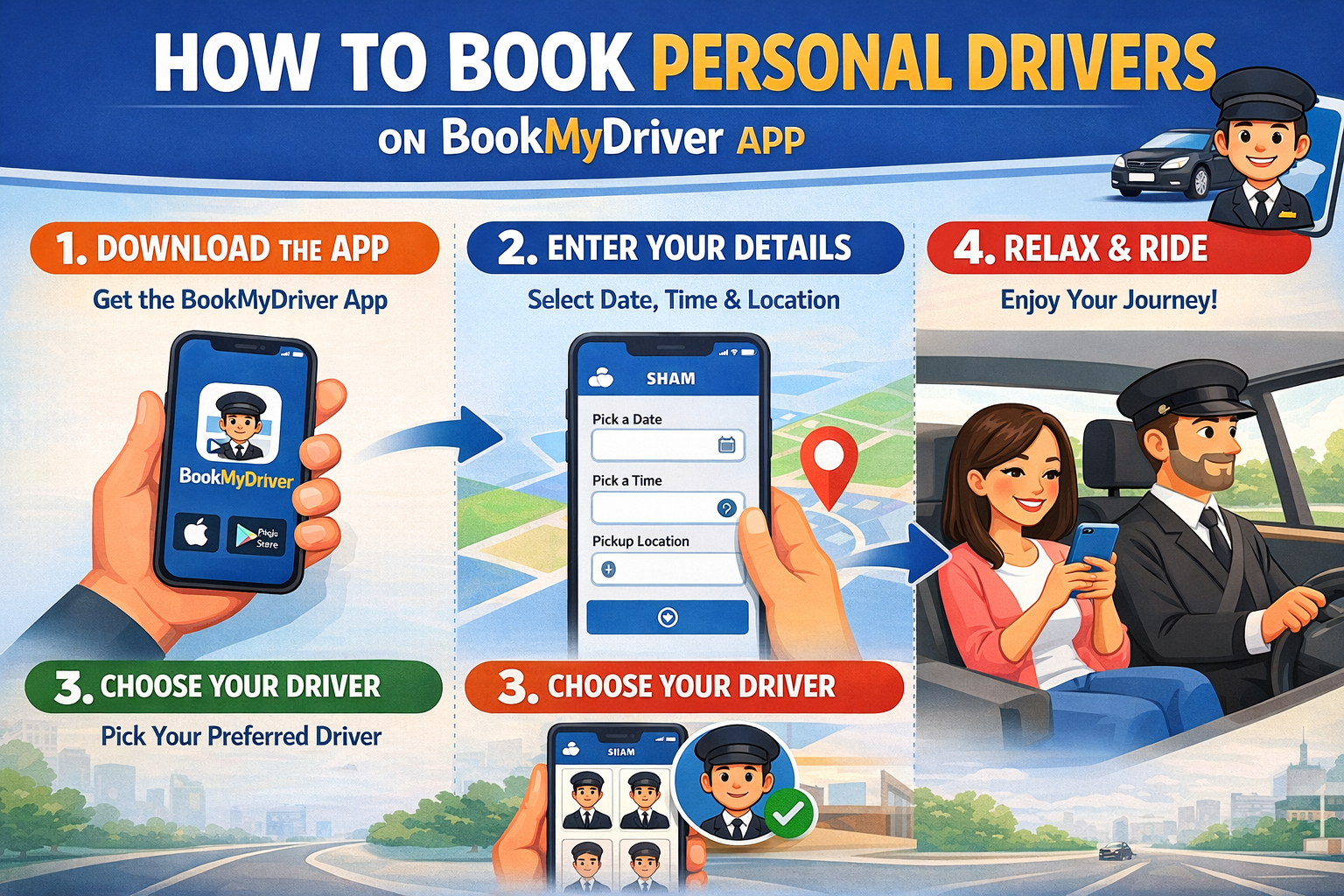
- Open the BookMyDriver mobile app on your phone.
- Enter your pickup location in Valanchery.
- Select an available option: on-demand or scheduled booking.
- Provide the trip information requested by the app.
- Review the fare, booking details and applicable conditions.
- Submit the request and check the app for its booking status and confirmation.
If the app does not offer a booking for your pickup location or requested time, check again later or adjust your plans. Do not assume that submitting a request automatically confirms a driver.
Checking BookMyDriver Coverage in Valanchery
BookMyDriver operates in areas within Malappuram and Thrissur districts. However, service availability can vary by locality and time. Coverage across a district does not necessarily mean that every neighbourhood or nearby place is currently serviceable.
For a Valanchery pickup, enter the exact pickup point in the app and check the options currently displayed. If your journey starts in Valanchery and continues to another town, review the trip details and booking conditions in the app before confirming.
Before You Start Your Trip
- Check that your exact pickup location is supported.
- Wait for booking confirmation in the app.
- Review the fare and any additional charges shown.
- Ensure your car is roadworthy and suitable for the journey.
- Keep your phone available so you can refer to your booking details.
Frequently Asked Questions
Can I book a driver for my own car in Valanchery?
BookMyDriver is intended for customers who want a driver to drive their own car. Enter your exact Valanchery pickup point in the app to check current service availability.
Is BookMyDriver a taxi service?
No. BookMyDriver lets you request a driver for your own car. You use your vehicle rather than booking a separate taxi vehicle through this service.
What is the difference between on-demand and scheduled booking?
On-demand booking is for requests made when you need a driver at short notice. Scheduled booking lets you enter a preferred future date and time. Both depend on availability and confirmation.
Can I schedule a driver for a family function?
You can check the scheduled booking option in the app, enter the date and time you need, and follow the booking steps. The request is subject to driver availability and confirmation.
How do I check whether my Valanchery location is covered?
Enter your exact pickup location in the BookMyDriver app. Check the options shown for that pickup point and requested time.
Where can I see the driver booking charges?
Enter the trip details and review the fare and applicable charges displayed in the app before proceeding with the booking.
Check for a Driver in Valanchery With BookMyDriver
If you want to travel in your own car without driving it yourself, BookMyDriver offers a way to request a driver through its mobile app. Enter your Valanchery pickup point, explore the booking options available and review the details before confirming.
Need a driver for your own car in Valanchery? Open BookMyDriver and check the current availability for your location.