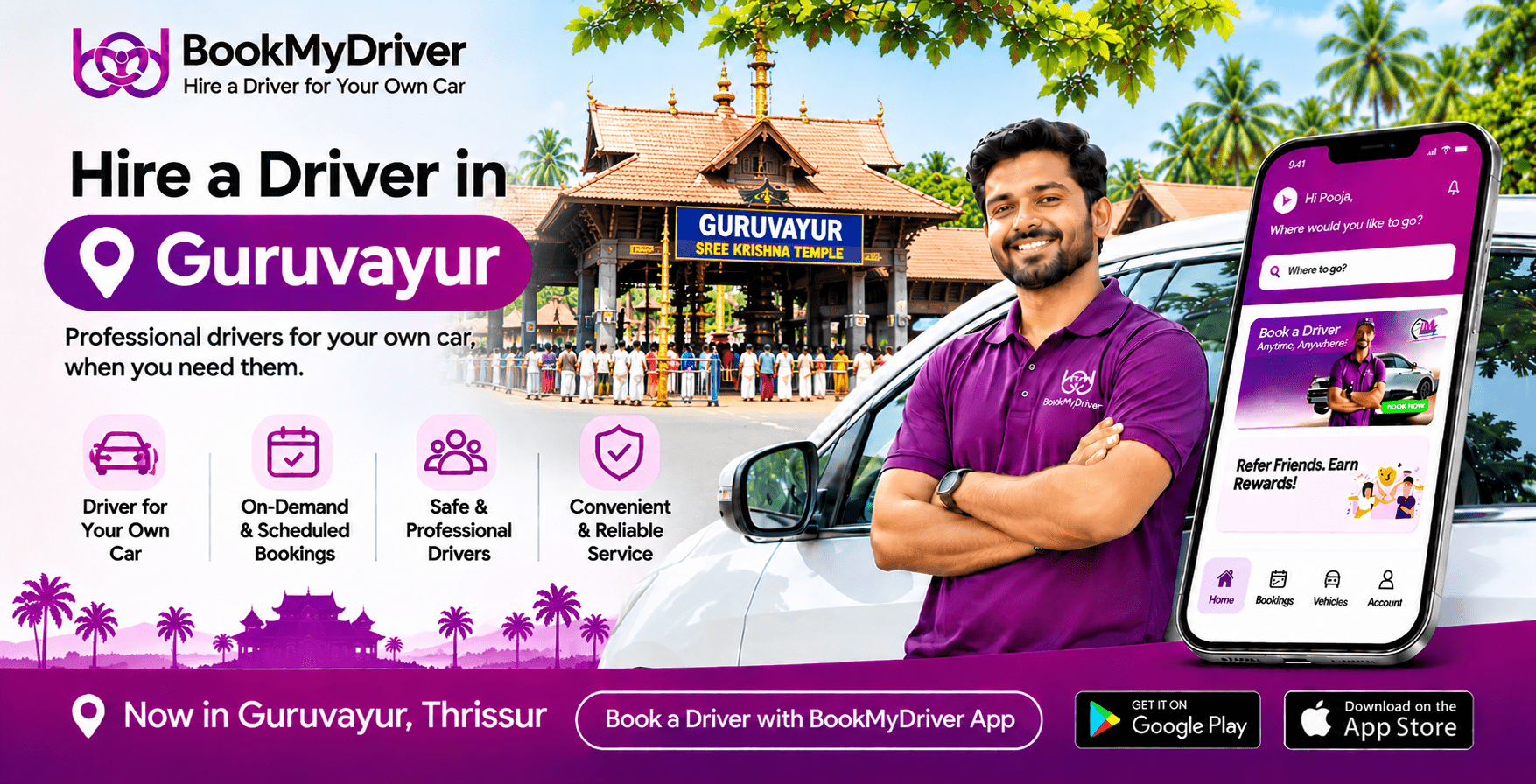
Guruvayur draws visitors for temple visits, family occasions and trips planned around the town. Travel plans here can involve an early start, a fixed appointment time, several family members or a combination of stops before and after the main visit. If you want to use your own car but would prefer not to drive, you can check the option of hiring a driver for your vehicle.
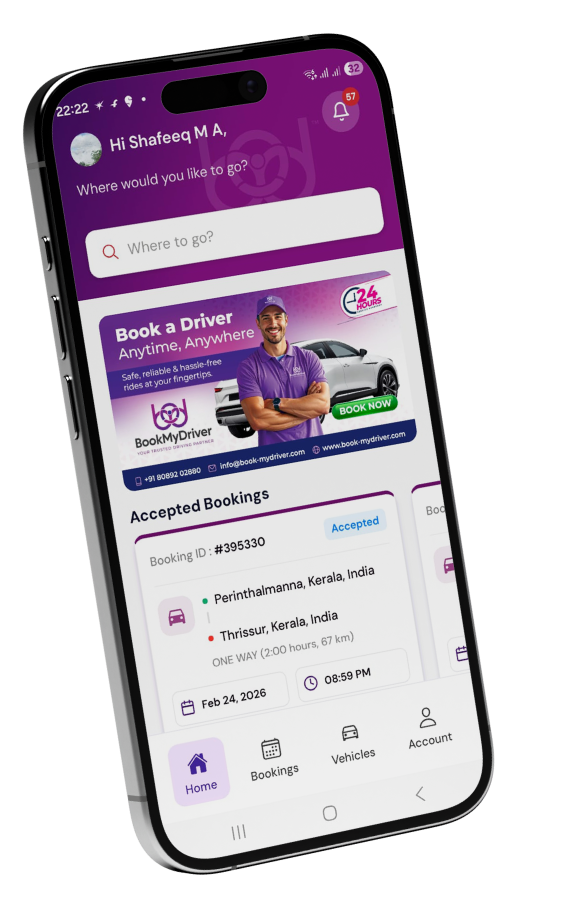
BookMyDriver is a mobile app service that lets customers request a driver to drive their own car. It is not a taxi booking service that supplies a separate vehicle. You enter your pickup and journey details in the app, review the booking options and check whether a driver is available for your requested time.
For journeys starting in Guruvayur, enter your precise pickup address rather than relying on the town name alone. Availability may vary by locality, date and time, so wait for confirmation in the app before finalising your travel arrangements.
Hire a Driver for Your Own Car in Guruvayur
Using your own car can be helpful when travelling with family, carrying personal belongings or following a schedule that includes more than one stop. BookMyDriver is intended for people who want to keep their own vehicle for the journey while requesting a driver to take the wheel.
You provide the booking information through the app and review the details shown before submitting the request. The trip remains subject to the service conditions and driver availability confirmed for your booking.
Journeys and Plans Where a Driver May Be Useful
Visitors and residents may have different reasons for arranging a driver in Guruvayur. Depending on your plans, you might consider the service for:
- Temple visits: Travel in your own car for a planned visit, while checking the pickup time and availability in the app.
- Family trips: Keep relatives together in one familiar vehicle for a visit or outing.
- Weddings and family functions: Arrange a driver when your schedule includes a ceremony, gathering or related errands.
- Guest pickups and drop-offs: Use your own vehicle for planned journeys involving family members or guests, subject to the booking details.
- Shopping and local errands: Complete several tasks in a day without having to drive yourself.
- Visits to nearby destinations: Enter the full trip details and check the service conditions for the route you have in mind.
These are examples of potential use cases, not confirmation that every route or pickup point is supported. Check the app for your exact journey.
On-Demand and Scheduled Driver Requests
BookMyDriver offers on-demand and scheduled booking options through its mobile app. Choose the option that fits your plans and review what is available for your pickup location.
On-Demand Booking
If you need a driver at short notice, check the on-demand option. Enter your pickup details and review the availability shown in the app. Submitting a request does not by itself mean that a driver has been assigned; check for confirmation.
Scheduled Booking
For a temple visit, function or other journey planned ahead, check the scheduled booking option. Enter the preferred date and time, add the requested trip details and review the booking status. Your arrangement is subject to availability and confirmation.
Why Request a Driver Instead of Booking a Taxi?
The main difference is the vehicle. A taxi service generally provides a vehicle for the journey, while BookMyDriver is for customers who want a driver for their own car.
- Travel in your own car: Keep using the vehicle you are familiar with.
- Keep your family together: Travel in one vehicle, within its seating capacity.
- Retain your usual arrangements: Your regular seating and luggage setup stays with your car.
- Plan around your timing: Check the on-demand and scheduled options offered in the app.
Review the fare and applicable conditions displayed in the app before submitting your request.
How to Book a Driver in Guruvayur
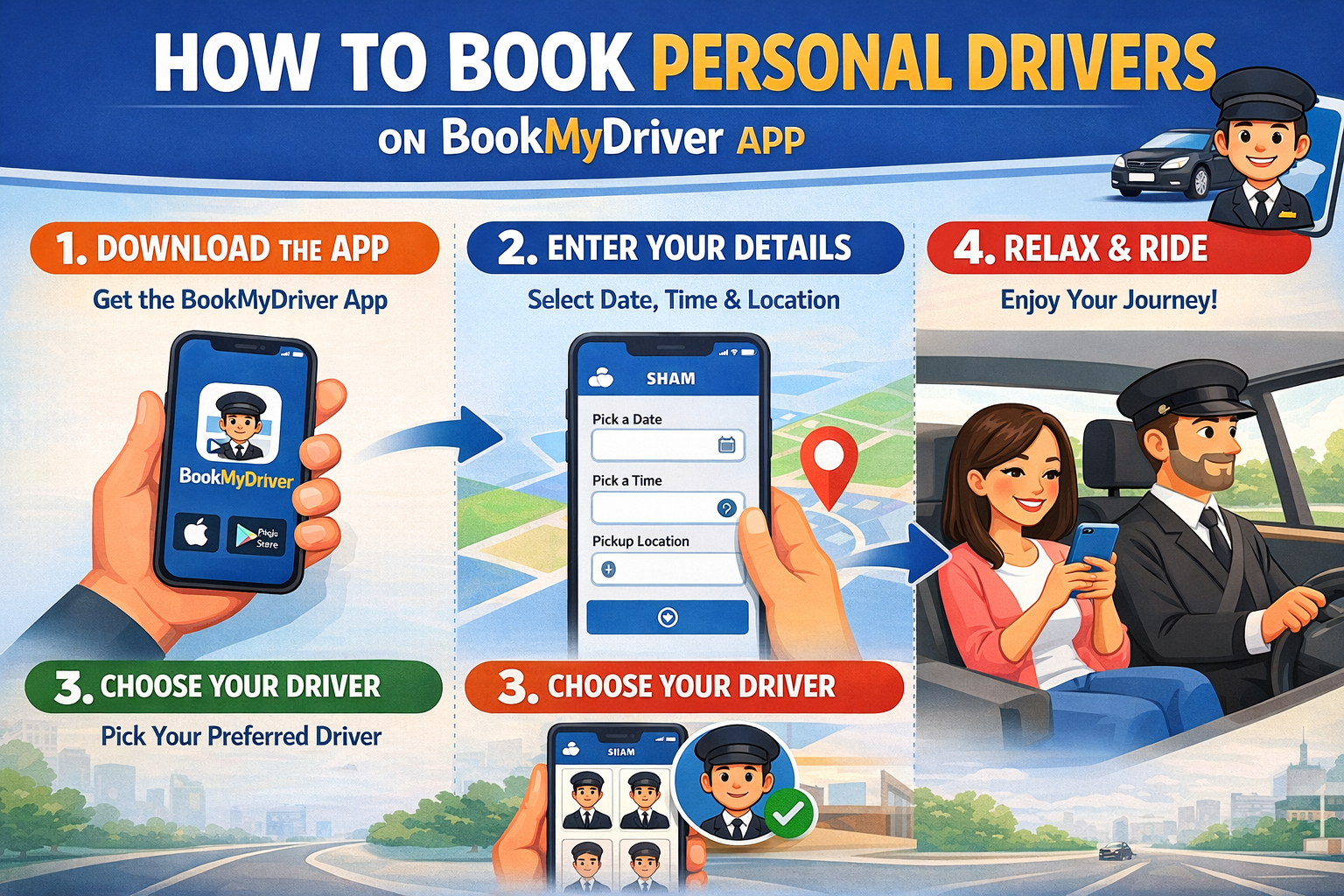
- Open the BookMyDriver mobile app.
- Enter your exact pickup address in Guruvayur.
- Choose an on-demand or scheduled request option, if available.
- Provide the date, preferred time and trip details requested.
- Review the fare and booking conditions shown in the app.
- Submit your request and check the app for booking status and confirmation.
For visits with a fixed start time, enter the pickup time carefully and allow yourself enough time for your own travel plans. Do not assume a request is accepted until the app confirms it.
Check Pickup and Destination Availability
BookMyDriver operates within areas of Malappuram and Thrissur districts, but service is not necessarily available at every address or at every time. Driver availability may change with location, demand and the requested time slot.
If your trip begins in Guruvayur, enter the complete pickup location in the app. If you plan to travel onward to another place, provide the destination details requested and review the conditions shown before confirming the booking.
Before Your Planned Journey
- Enter the complete pickup address and check that it is accepted.
- Choose the correct date and pickup time.
- Review the fare and applicable charges before submitting.
- Check the booking status and wait for confirmation.
- Make sure your own car is roadworthy and suitable for the journey.
Frequently Asked Questions
Can I hire a driver for my own car in Guruvayur?
BookMyDriver is intended for customers who want a driver to drive their own car. Enter your exact pickup address in the app to check current availability.
Can I request a driver for a temple visit?
You can enter your pickup and trip details and review the available booking options. Driver assignment depends on availability and confirmation for your requested time and location.
Does BookMyDriver provide a taxi?
No. The service lets you request a driver for your own vehicle; it does not provide a separate taxi vehicle.
Can I schedule a driver for a family function?
The app includes a scheduled booking option. Enter your preferred date and time, then check the booking status and confirmation.
How can I check whether my pickup area is covered?
Enter your full pickup address in the BookMyDriver app. Availability may vary by locality and time, so check the result for your exact pickup point.
Where can I see the booking fare?
Enter the requested trip information and review the fare and applicable charges displayed in the app before submitting your request.
Request a Driver for Your Guruvayur Journey
If you want to travel in your own car without driving it yourself, BookMyDriver gives you a way to request a driver through a mobile app. Add your Guruvayur pickup details, review the on-demand or scheduled options and check the booking confirmation before you set out.
Need a driver for your own car in Guruvayur? Open BookMyDriver and check availability for your pickup location.